Skip table of contents

BESS TEST

Cabinet ID:


Technician:


Date:


Preparation

  1. Download and install the latest version of LYNK ACCESS onto a Windows laptop.

  2. Connect a USB Type A to USB mini-B cable between the laptop and the LYNK II Gateway inside the battery cabinet.
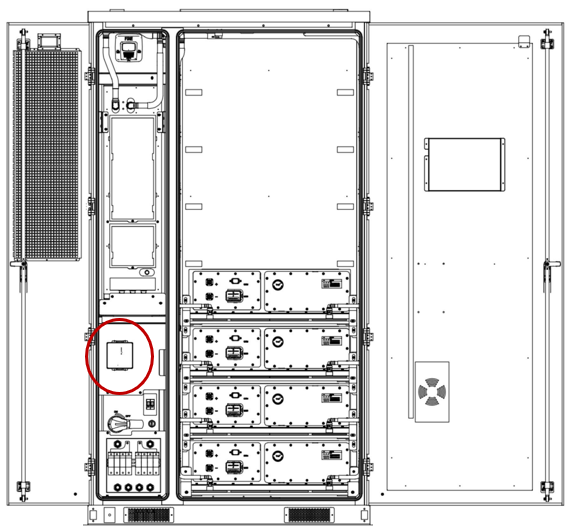
image-20250814-164102.png
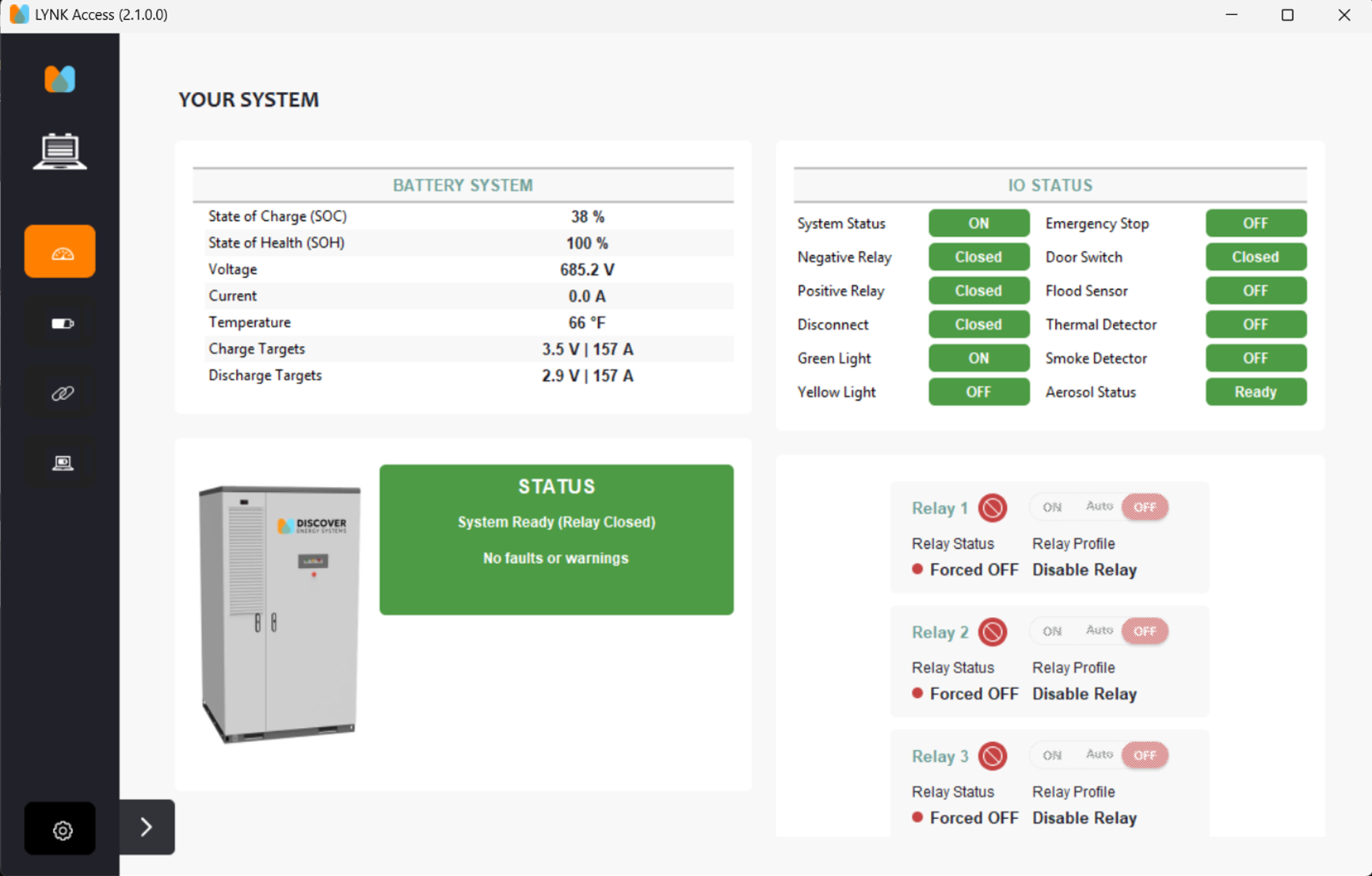
  1. Start the LYNK ACCESS software.

image-20250815-233529.png

Energy Test

Preparation for Energy Test

Task

Pass/Fail

Notes

  1. Confirm:

    1. The Disconnect switch handle is set to ON.

    2. The high-voltage box circuit breaker is closed.

    3. The UPS switch is rotated to the middle.

☐ / ☐


  1. Confirm:

    • The AES Cabinet powers up and operates normally.

    • The green operation indicator is ON.

    • LYNK ACCESS software indicates there is battery voltage, SOC, and temperature.

☐ / ☐

ACTION

  • Generate a diagnostic report in LYNK ACCESS from the battery tab and submit a ticket with the report to the Discover Energy Systems product support team.

JavaScript errors detected

Please note, these errors can depend on your browser setup.

If this problem persists, please contact our support.