
|
NOTICE |
|---|
|
EQUIPMENT DAMAGE
Failure to follow these instructions may result in equipment damage. |
-
At least one battery must be connected to the LYNK Port or AEbus Port on LYNK II.
-
A network of batteries will communicate as one battery.
-
No more than one network of batteries may be connected to LYNK II.
-
Network termination is required for the system’s proper functioning - note some batteries and devices may auto-terminate.
-
LYNK II requires power. There are three possible sources: a 13-90 VDC power supply, AEbus Port or LYNK Port-enabled Discover Lithium battery, or a USB device.
-
Discover Lithium batteries must be set to ON to supply power and communicate data with LYNK II.
AES RACKMOUNT
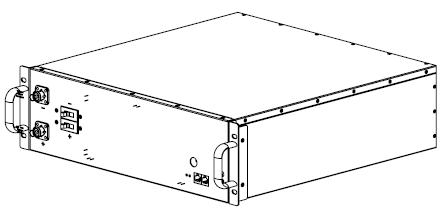
Both LYNK II and AES RACKMOUNT Battery Modules are internally terminated. No extra termination is required.
HELIOS ESS
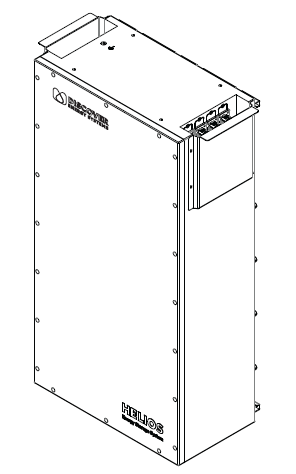
LYNK II is internally terminated. No extra termination is required.
|
NOTE |
|---|
|
Connection
Before connecting LYNK II to the Morningstar network, confirm that the CAN out pins on the LYNK II are configured correctly. Refer to LYNK II CAN Out Pin Assignment for Morningstar Devices.
-
On the GenStar MPPT’s ReadyBlock rail, install the ReadyBMS module. Refer to Morningstar documentation for installation instructions.
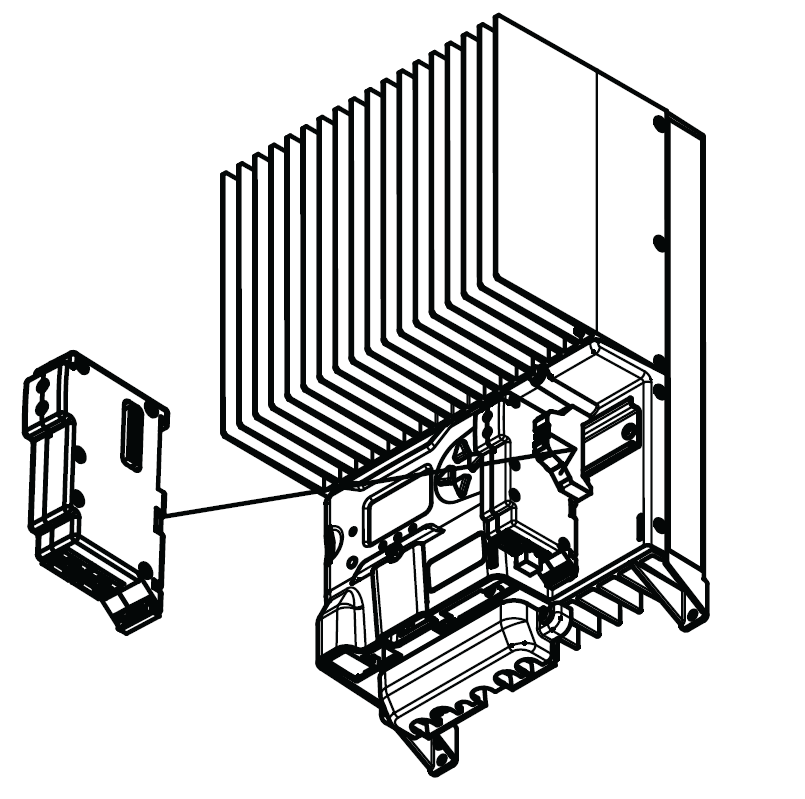
ReadyBMS module installed to the GenStar MPPT
-
Insert a terminator into one of the RJ45 receptacles of the ReadyBMS module, and in the other RJ45 receptacle, insert one end of a CAT6 or higher communication cable, and insert the opposite end of the CAT6 or higher cable into the LYNK II CAN out port.
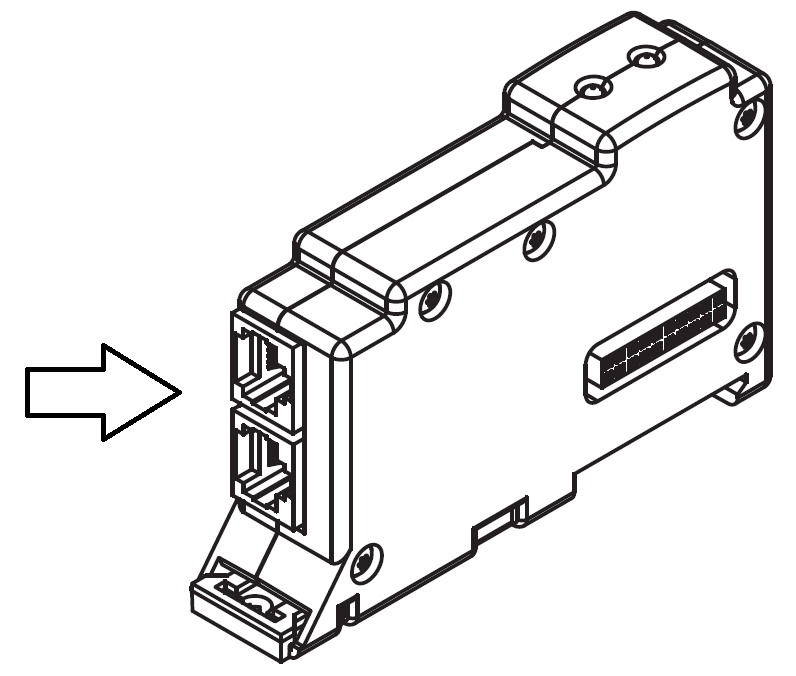
ReadyBMS RJ45 Ports
|
NOTE |
|---|
|