
You can update the HELIOS ESS battery firmware in two ways:
-
LYNK II and LYNK ACCESS. For instructions, refer to the LYNK II Installation and Operation Manual (805-0033).
-
LYNK ACCESS. Refer to the following procedure.
Update HELIOS ESS Firmware With LYNK ACCESS
-
Connect a USB cable to your computer and to the USB Type C port on the HELIOS ESS (see Item #11 in the Battery Features topic).
-
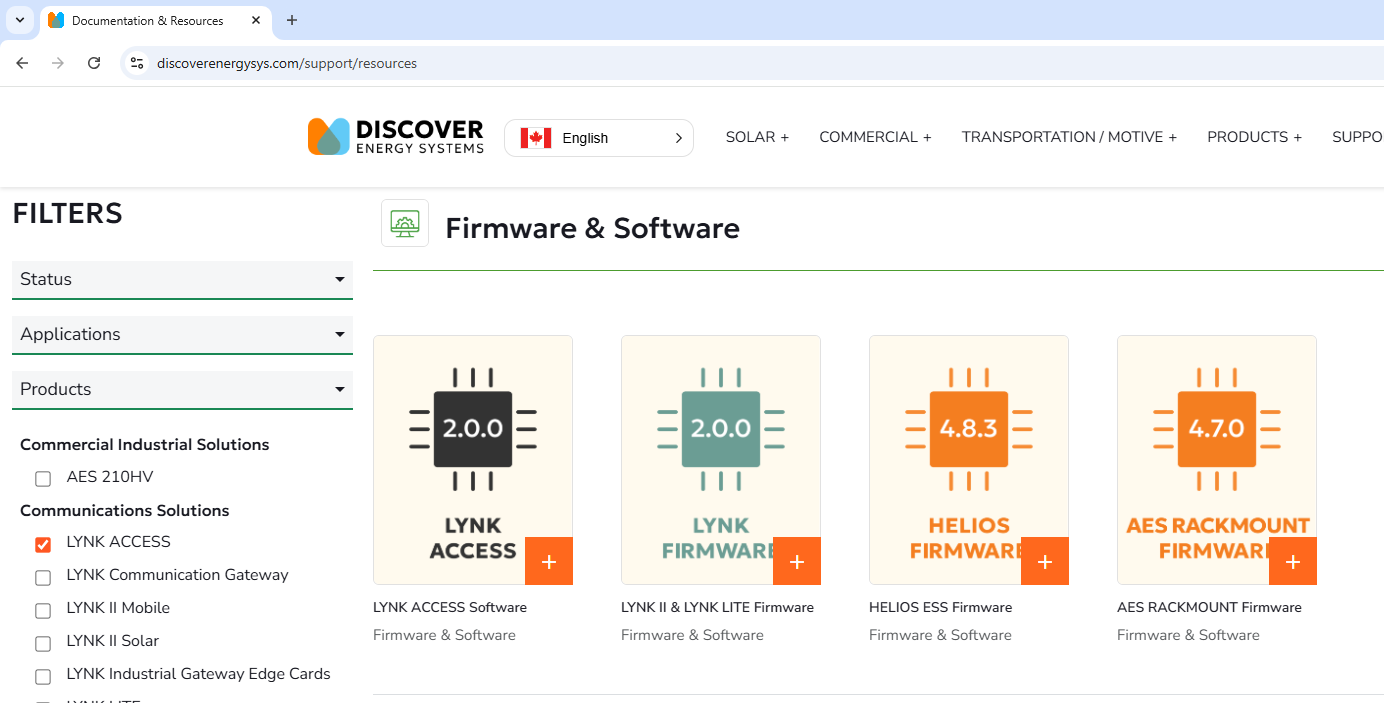
From the Discover Energy Systems website (discoverenergysys.com), download and install the latest version of LYNK ACCESS software, compatible with Windows 10 / 11.
-
Download the latest HELIOS ESS firmware file.
-
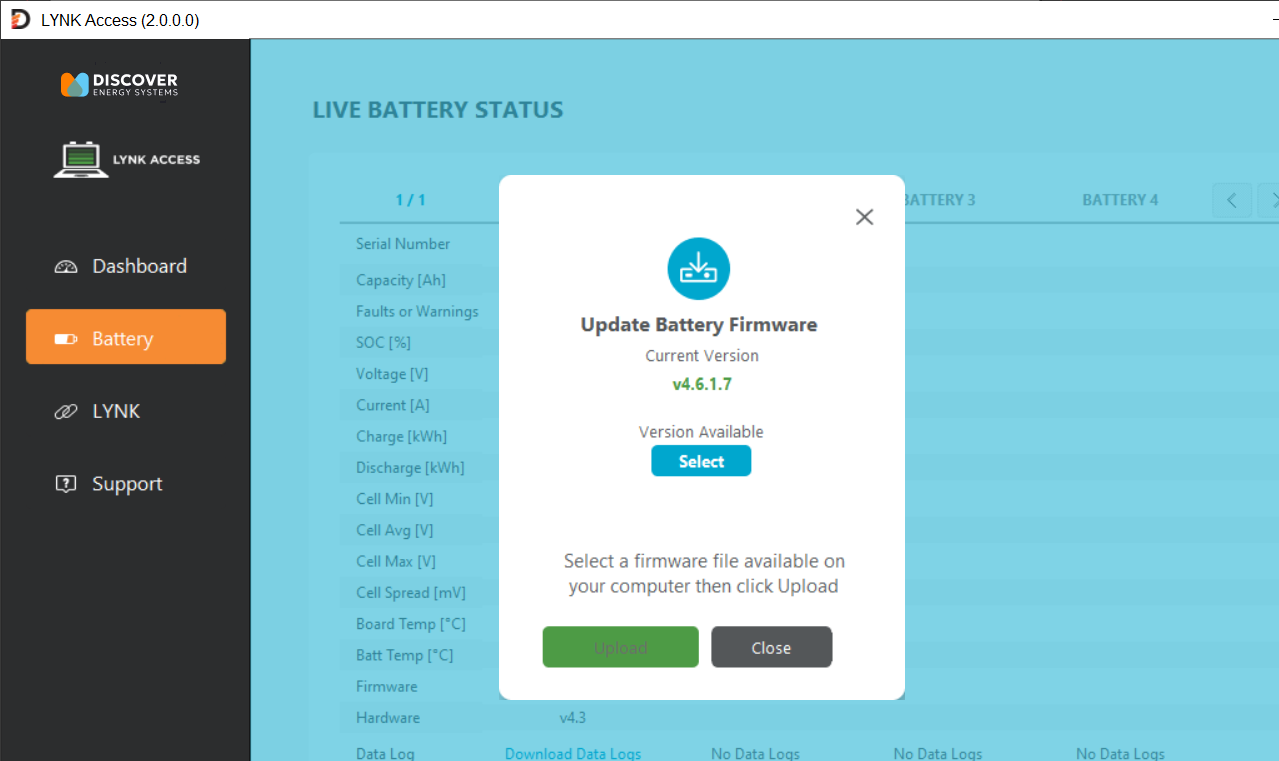
Open LYNK ACCESS and select the Battery tab to view the battery information.
-
Click the Upload Battery Firmware button, and in the dialog box that pops up, click Select and open the downloaded battery firmware file.
-
Click Upload to complete the battery firmware update process.
|
NOTE |
|---|
|
Use the latest HELIOS ESS firmware to resolve all known issues. |